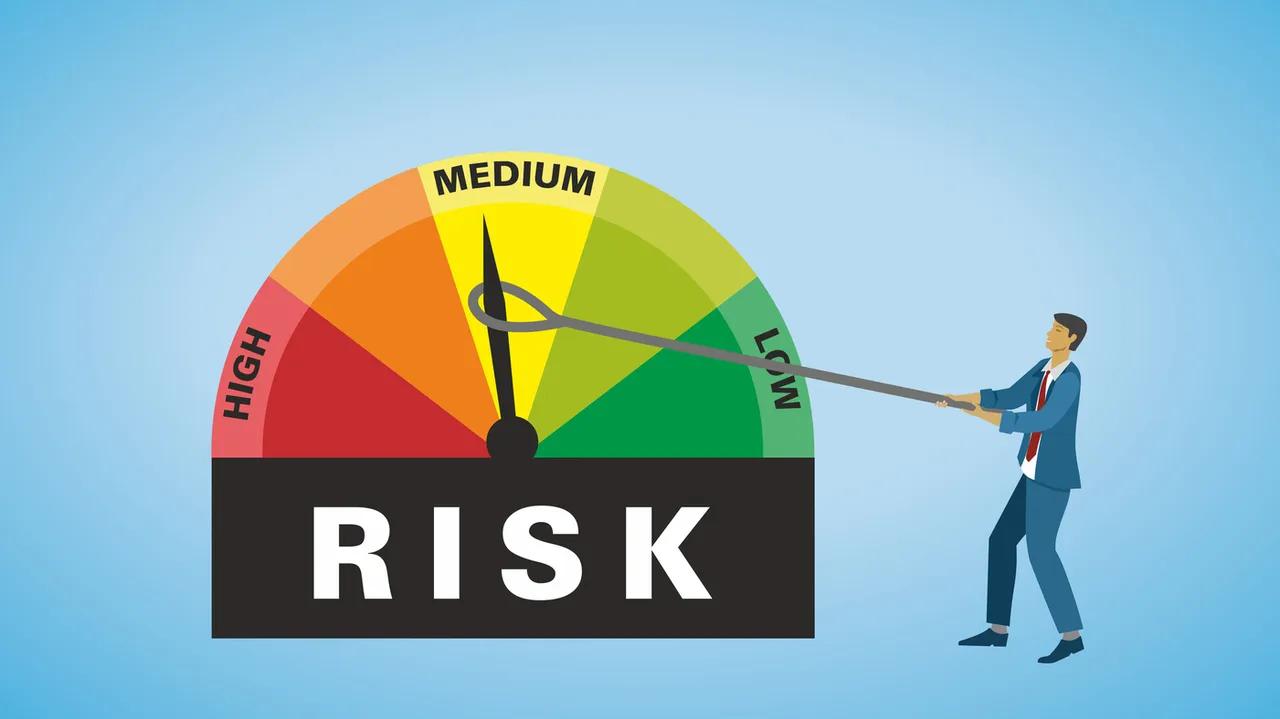
Dallas–Fort Worth local small business owners depend on their computers, Wi‑Fi, and devices to ring up sales, respond to customers, and keep operations moving. The tension is real: IT system risks rarely show up politely, and most common technology challenges for small businesses, cybersecurity threats and hardware failure impacts, tend to strike at the busiest moments. A virus, a hacked account, a dying hard drive, or a flaky network can quickly turn a normal workday into lost time, lost data, and expensive repairs. Clear, calm awareness of these risks creates the confidence to protect what's been built.
Understanding IT Risk Management Basics
Risk management is simply assessing the possibility that something could go wrong, then choosing sensible ways to reduce impact. IT risk management applies that same idea to your technology, like email accounts, laptops, Wi Fi, and customer data. It starts with spotting what could break or be abused, then putting small safeguards in place.
This matters because a calm plan beats a rushed repair bill. When you focus on on identifying, analyzing, and controlling risks, you protect your time, your reputation, and your cash flow. You also feel more confident asking for affordable support because you can describe the problem clearly.
Think of it like locking up a storefront. You do not need a fortress, just good habits: stronger passwords, updates, backups, and a trusted place to call when something looks off. Each habit lowers the odds of an interruption and makes recovery faster.
Use 7 Low-Cost Habits to Prevent Viruses, Breakdowns, and Data Loss
Small-business IT risk management doesn't have to feel technical or expensive. These seven habits help you spot problems early, reduce downtime, and protect your data, one calm, repeatable step at a time.
1. Lock in automatic updates (and verify them weekly)
Turn on automatic updates for your operating system, browsers, and security tools, then set a 5-minute weekly calendar reminder to confirm they actually ran. Updates patch common infection paths that viruses and ransomware use. If you manage multiple PCs, write down each device name and last update date—simple risk tracking makes prevention feel doable.
2. Use a "clean-first" virus removal routine
If a computer acts infected, disconnect it from Wi‑Fi/Ethernet first to stop spread, then run a full security scan (not a quick scan). If the scan can't clean it, boot into Safe Mode and scan again; only after that should you start deleting suspicious programs. This habit protects the rest of your office network while you troubleshoot one machine.
3. Standardize firewall + antivirus on every device
Make it a rule that every computer and any server has firewall and antivirus protections enabled, and check status monthly. The practical point is consistency: one "unprotected" device becomes an easy doorway into everything else. A checklist item like implementing firewall and antivirus is simple, low-cost maintenance that prevents a lot of painful cleanup later.
4. Back up with 3-2-1 pattern (and test restores)
Keep 3 copies of important data, on 2 different types of storage, with 1 copy offline or offsite. Then do a monthly 10-minute restore test by recovering one folder to prove the backup isn't just "there"—it's usable. This is the most affordable way to reduce the risk you identified earlier: "What would stop sales or operations tomorrow?"
5. Do a 10-minute weekly "hardware health" check
Listen for new clicking/grinding sounds, watch for random reboots, and check that vents are clear and fans spin freely. Keep devices off carpet, avoid blocking airflow, and schedule a dust-cleaning every 3–6 months—heat is a quiet killer. Replace aging drives and batteries proactively when you notice slowdowns or swelling; it's cheaper than emergency data recovery.
6. Troubleshoot your network with a simple map + two quick tests
Sketch a basic network map (internet modem → router → switch/Wi‑Fi → key devices) and tape it where you can find it fast. When something drops, restart in order from edge inward (computer, then Wi‑Fi, then router/modem) and run two tests: "Can I reach the router?" and "Can I reach a website?" This narrows whether the issue is local, Wi‑Fi, or ISP—faster fixes, less guesswork.
7. Write one-page security "house rules" and follow them
Keep it beginner-simple: password rules, who can install software, how to handle unknown email attachments, and what to do if a device is lost. Consistent habits beat heroic one-time fixes, and teams with 43% fewer security incidents often have formal security policies in place. This also supports clearer documentation when you need to answer security or compliance questions and maintain proper security policies.
When these habits become routine, you're not just preventing viruses and breakdowns, you're building steady confidence that your business can handle surprises without spiraling.
Quick Answers for Calmer IT Risk Management
Q: What are the most common risks small business owners face with their computer systems, and how can these be prevented?
A: The biggest risks are phishing emails, weak passwords, missed updates, failing hardware, and accidental deletion. Prevention is mostly routine: automatic updates, strong unique logins with multi-factor authentication, and a simple rule that installs happen only with approval. Add a weekly 10-minute check-in to catch small issues before they become downtime.
Q: How can I effectively manage stress and overwhelm that come with unexpected IT problems?
A: Reduce panic by having a short "when things break" plan: who to call, what to unplug, and where backups live. Keep a one-page cheat sheet near the front desk so decisions feel automatic, not emotional. You are not trying to eliminate surprises, just shorten recovery time.
Q: What steps can I take to protect my business data from loss due to hardware failure or viruses?
A: Use a 3-2-1 backup approach and schedule monthly restore tests so you know you can actually recover. Limit admin access, keep security tools active, and separate important files from everyday downloads. If you handle sensitive health information, HIPAA compliance can also shape what you must protect and document.
Q: How do I simplify the process of maintaining and updating my technology to avoid feeling stuck or uncertain?
A: Standardize: one checklist, one update day, and one place to record device names, passwords, warranties, and renewal dates. Automate what you can, then verify with a brief weekly review because automation is only comforting when it is visible. For broader policies, automating compliance work can reduce manual work by up to 70%, which can free your attention for customers.
Q: How can I ensure I have a reliable way to handle official legal and government documents if unexpected situations arise with my business?
A: Create a simple internal process: one official mailing address, one trusted person to open and log notices, and a same-day scanning routine to a secure folder. If privacy or consistency is a concern, consider designating a registered agent at ZenBusiness so critical notices are handled even during travel, staffing changes, or emergencies.
Peace-of-Mind IT Risk Checklist
This quick list helps you spot the biggest gaps fast, so you can prevent expensive surprises and know exactly what to ask for when you need reliable, affordable computer repair and IT support. Many teams change their cybersecurity approach, and this keeps your basics steady.
- ✔ Confirm automatic updates run on every device
- ✔ Enforce password manager use plus multi-factor authentication
- ✔ Limit admin rights to approved staff only
- ✔ Set 3-2-1 backups with monthly restore tests
- ✔ Track hardware age, warranties, and replacement dates
- ✔ Review security policies for passwords, data handling, and acceptable use
- ✔ Document a one-page outage plan with contacts and steps
Check off one item today, and you will feel relief immediately.
Build Technology Resilience With Weekly IT Risk Management Habits
When tech feels fragile, every glitch can carry the fear of lost sales, lost time, or lost trust, especially for small businesses across Dallas–Fort Worth. The steadier path is empowering IT risk management: a calm, repeatable mindset of technology resilience and ongoing IT protection that turns security from a nagging worry into a routine. With that approach, confidence in IT security grows because priorities are clearer and surprises are smaller. Small, consistent protection beats big, occasional panic. Put one small business IT empowerment strategy from the checklist on your calendar for this week and treat it like any other non-negotiable commitment. That simple rhythm protects stability today and supports healthier, more resilient growth tomorrow.
For professional IT risk management support and reliable computer repair services in the Dallas-Fort Worth area, contact Computer Pro Network. Our team specializes in helping small businesses implement these risk management strategies and provides fast, affordable support when technology problems arise.